

Lead: Why compare smart TV OS at all?
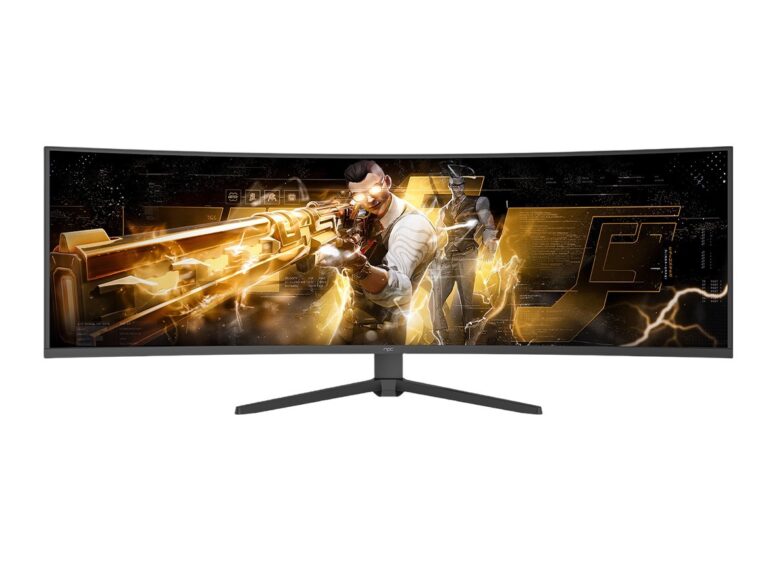
Think of a smart TV OS as the personality of a device: charming one moment, glitchy the next. If you’re deciding where to place bets across living-room hardware, you need quick comparison, not wishful thinking—so I’ll weigh trade-offs that matter. That starts with supply choices like all in one computer deals and a reality check: at CES in Las Vegas, major manufacturers pushed refreshed all in one home computer designs alongside new TV platforms, showing how display hardware and desktop-class systems increasingly converge.
What a smart TV OS actually controls
It’s not just the launcher and apps. The OS governs app lifecycle, update cadence, DRM and content partnerships, voice and remote integration, ad placement, and developer APIs. Brands that treat the OS as a cosmetic layer lose control of monetization and user experience. Compare those outcomes before committing to a software partner.
Quick comparative snapshot — where the big platforms land
Android TV/Google TV: Best for app reach and third‑party developer support. Use it when you need immediate access to a wide app store and Google services. Downsides: tighter Google policies and revenue splits.
webOS (LG): Smooth UX, polished media partners, and decent OEM control. Strength: distinctive interface and brandable experience. Weakness: smaller dev pool than Android.
Tizen (Samsung): Strong hardware integration and service bundle opportunities. Good for exclusive features on Samsung hardware, but limited third‑party app density in some regions.
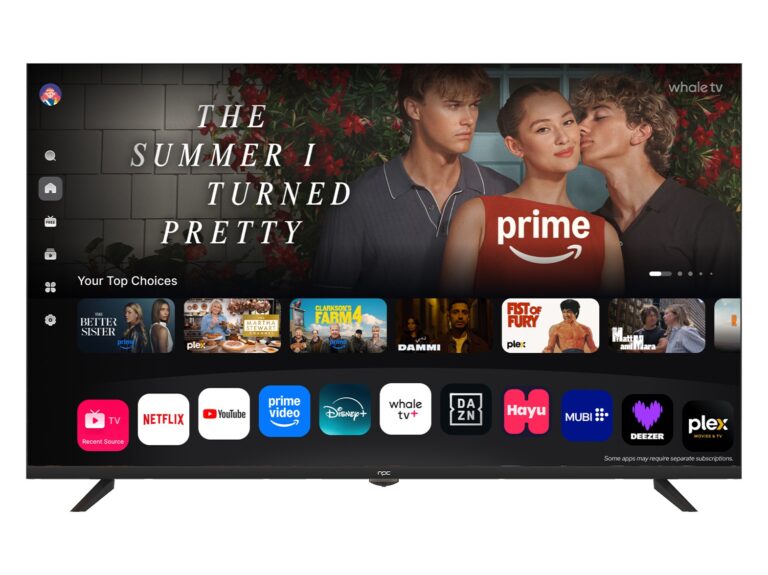
Roku OS: Simplicity and ad-monetization chops. Excellent for content-first strategies aimed at mass-market users. Trade-off: less flexibility for deep custom features or system-level integrations.
Fire TV: Amazon’s ecosystem and commerce hooks. Great if shopping and Alexa tie-ins are strategic. Not ideal if you need neutrality across service partners.
How these choices sit inside a broader consumer electronics plan
Compare two common brand goals: maximize margins vs. control the experience. If margins matter, favor platforms that reduce development and certification time. If experience matters, favor platforms that allow launcher customization, native middleware, and prioritized firmware updates. Treat the OS as a revenue and retention lever—not just a UI surface.
Where all‑in‑one desktop hardware fits
All‑in‑one PCs change the conversation: they blur the line between TV, PC, and smart display. Integrating TV‑grade UX expectations with desktop input models (keyboard, mouse) requires clear API strategies and consistent account management. When you evaluate platform partners, test cross-device account linking, casting behavior, and how device pairing behaves with desktop apps.
Technical checks that get overlooked
Update guarantees: who signs and pushes OTA updates? Look for staged rollouts and rollback support. Security and DRM: confirm Widevine or PlayReady levels for your content deals. Latency: measure app cold-start and navigation speed on target SoCs. Certification burden: factor in compliance testing time and costs. Developer ecosystem: small dev pools inflate build and maintenance costs.
Common strategic mistakes
Picking a platform because it’s “popular” without measuring developer access, or betting on exclusive partnerships that lock out major services. Underestimating lifecycle support leads to security debt and customer dissatisfaction. Treat ad inventory and privacy rules as operational issues, not optional legal footnotes.
A practical decision framework
Step 1 — Define measurable outcomes: retention rate, average revenue per user, or cross‑device session time. Step 2 — Weight ecosystem vs. control: score each OS on app reach, update policy, customization, and monetization. Step 3 — Prototype and measure on real hardware early (remote latency, boot time, update behavior). Step 4 — Build partner agreements that include update SLAs and clear support responsibilities.
Final synthesis
Smart TV operating systems aren’t interchangeable skins. They shape partnerships, revenue models, and long‑term device value. Compare platforms on developer access, update guarantees, and how they behave alongside all‑in‑one hardware and other living‑room devices. If you want a partner that ties these pieces into a coherent product roadmap, consider vendors that understand both display-first and desktop‑class needs—brands that move beyond isolated devices toward integrated solutions like npc.